
You made a great video. You spent hours on it.
And then it got 41 views.
It's not always the video. Very often, people just can't find it. YouTube is the second biggest search engine in the world, and search is where a lot of long-term views come from.
The right YouTube SEO tool shows you what people are searching for, how hard it is to rank, and what your video needs to beat the competition. Here are the 10 best ones in 2026, with real prices.
What Is a YouTube SEO Tool?
It's software that helps your videos show up in YouTube search and suggested videos.
Most of them do some mix of four jobs. They find keywords people actually type, score how hard each one is to rank for, study the videos already on top, and help you write better titles, descriptions and tags.
Some go further with AI video ideas, thumbnail tests and rank tracking. Others do one thing really well and stay free.
Why YouTube SEO Still Matters in 2026
Suggested videos and the home feed get most of the attention. But search is different.
Search views last. A video that ranks for a real question can pull views for years, long after the upload buzz dies down.
Search viewers are ready. Someone who typed "how to fix a leaking tap" wants your answer right now. That's the best kind of viewer for subscribers and sales.
Google shows YouTube videos too. A well-optimized video can show up in Google results and AI answers, not just on YouTube.
Good SEO helps the algorithm. When YouTube clearly understands what your video is about, it knows who to suggest it to.
How YouTube Decides Who Ranks
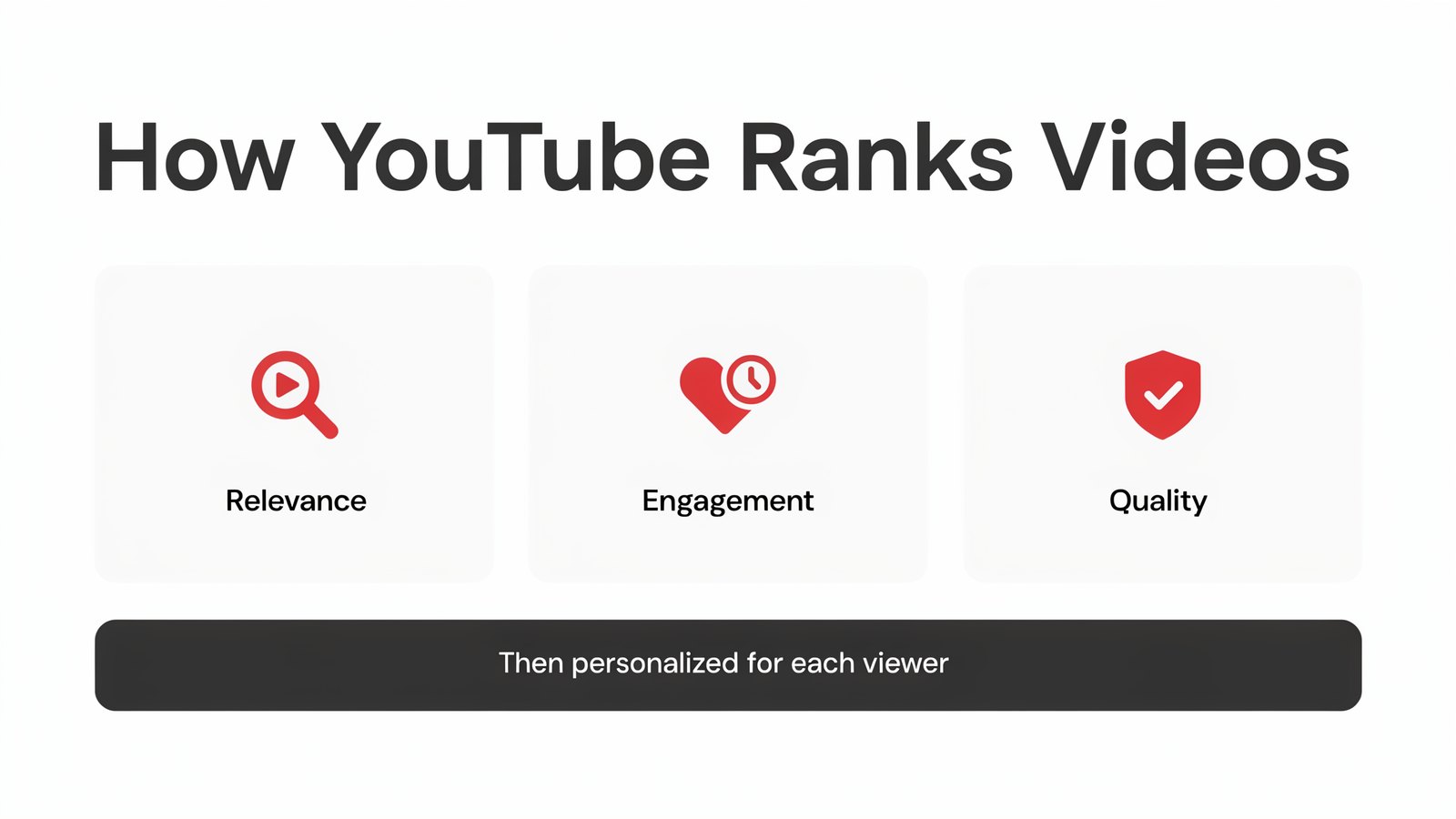
YouTube has said for years that search results come down to three things.
Relevance. Does your title, description and spoken words match what the person searched for?
Engagement. Do people click, keep watching and interact once they find you?
Quality. Does your channel show real expertise and trust on the topic?
Then YouTube personalizes the results for each viewer. SEO tools can't fake engagement. What they do is make sure you pick topics people want and get your relevance exactly right, so your video gets its shot.
What to Look For in a YouTube SEO Tool
- Real keyword data from YouTube itself, not just Google.
- A clear difficulty score so you pick battles you can win.
- Competitor analysis that shows why the top videos rank.
- Help with titles, descriptions and tags, ideally with AI.
- Language and region targeting if your audience is not only in the US.
- Fair pricing. Many tools jump to $30 to $70 a month quickly.
Quick Comparison
| Tool | Best For | Free Option | Starting Price |
|---|---|---|---|
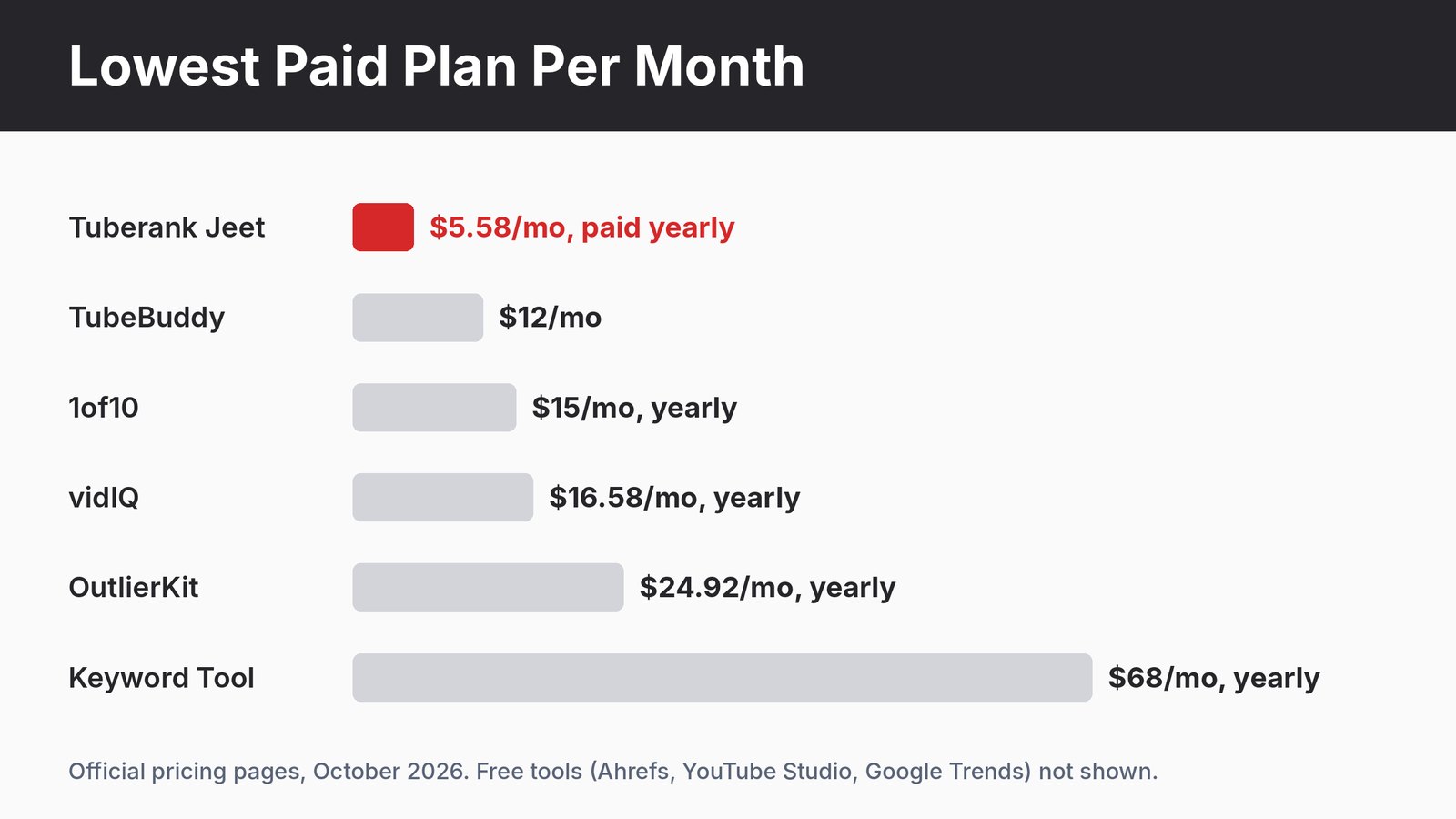
| Tuberank Jeet | Full YouTube SEO on a budget | Free version | $5.58/mo paid yearly |
| vidIQ | AI ideas and daily coaching | Free plan | $16.58/mo paid yearly |
| TubeBuddy | Bulk edits and thumbnail tests | Free extension | $12/mo |
| 1of10 | Finding outlier video ideas | Free plan | $15/mo paid yearly |
| OutlierKit | AI research on outlier videos | Free trial | $24.92/mo paid yearly |
| Keyword Tool | Big lists of YouTube keywords | Free search | $68/mo paid yearly |
| Ahrefs YouTube Keyword Tool | Quick free keyword checks | Free | Free |
| AnswerThePublic | Questions people ask | Free daily searches | $10/mo paid yearly |
| YouTube Studio Inspiration | What your own viewers want | Free | Free |
| Google Trends | Rising and seasonal topics | Free | Free |
1. Tuberank Jeet

Full disclosure, Tuberank Jeet is our own product, made by Teknikforce. We built it to rank our own videos, and our channel Twominenglish passed 265,000 subscribers with every video optimized in it.
It's desktop software for Windows and Mac. Type a keyword and it shows the ranking potential, the traffic you can expect and how hard it will be to rank. Then it breaks down the videos already ranking so you can see what you need to beat them.
When you're ready to publish, AI suggests titles, descriptions, tags and hashtags. You can rewrite them with one click, find keyword alternatives and target a language or region.
There's viewer sentiment analysis too. It shows how people feel about a topic, so you know which angle to take.
Pros
- Keyword research, competitor analysis and AI optimization in one place
- Ranking potential and difficulty for every keyword
- Language and region targeting
- Upload videos straight from the app
- Lowest price on this list, with a free version
Cons
- Desktop app, so you install it rather than use a browser extension
- No thumbnail A/B testing built in
Pricing Just $5.58 a month, paid yearly ($67 a year), or $6.99 month to month. There's a free version and a 30 day refund guarantee.
Why Tuberank Jeet Is the Best Value
Most YouTube SEO tools put keyword scores behind a $30 to $70 monthly plan. Some charge extra AI credits on top.
Tuberank Jeet gives you keyword research, competitor breakdowns and AI optimization for $5.58 a month. Over a year, that's less than one month of several tools on this list.
If you post every week and want search traffic without a big monthly bill, it's the easiest place to start.
2. vidIQ
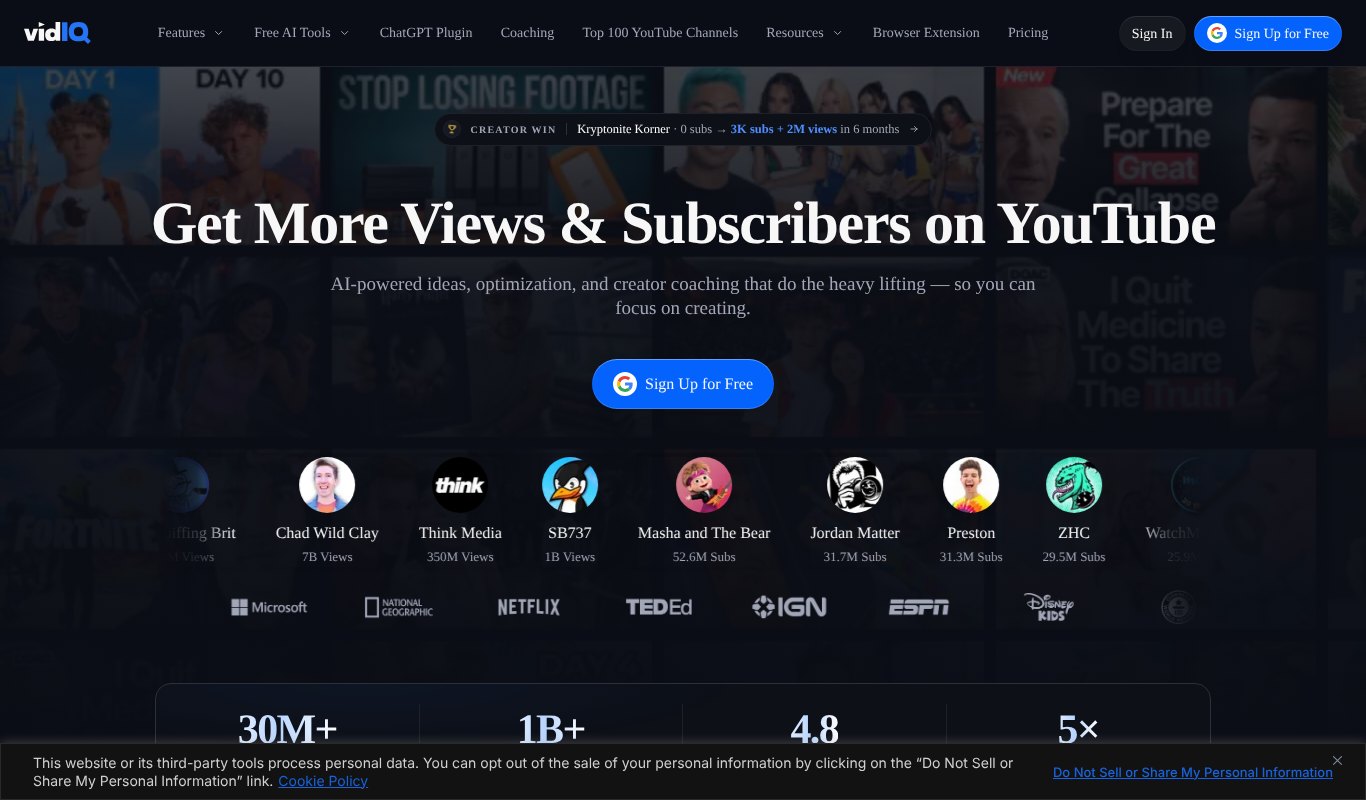
vidIQ is one of the best-known YouTube growth tools. It works as a browser extension and a web app, with keyword scores, competitor stats and a lot of AI.
Its daily video ideas and AI coach are popular with newer creators who aren't sure what to make next.
Pros
- Strong keyword and competitor data
- Daily AI video ideas
- Works right inside YouTube
Cons
- Best features use AI credits
- Can feel busy with so many tools
Pricing Free plan. Boost is $16.58 a month paid yearly ($199 a year) or $19 month to month. Max is $39 a month paid yearly.
3. TubeBuddy
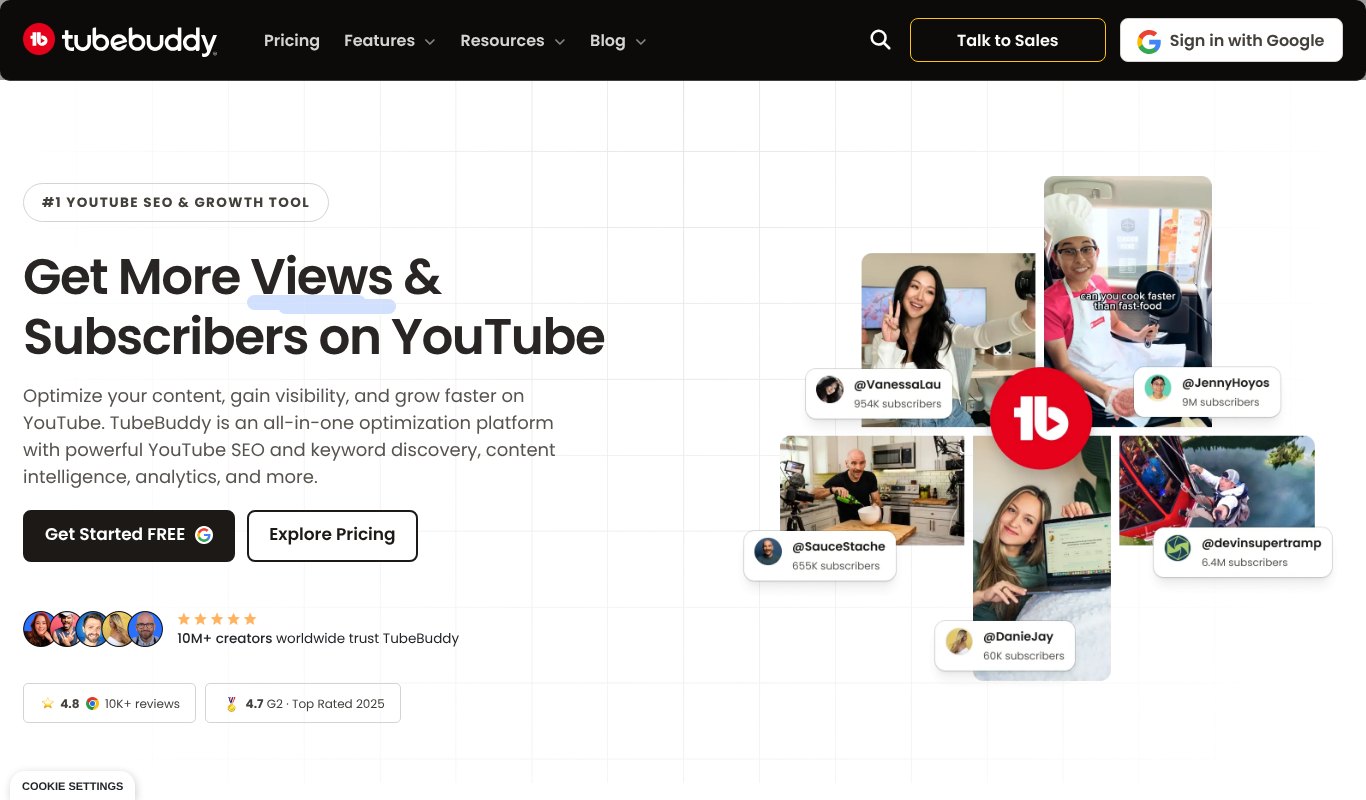
TubeBuddy has been around for years. It's a browser extension that adds SEO scores, tag suggestions and bulk tools right inside YouTube Studio.
Bigger channels love its bulk editing and thumbnail A/B tests, which save hours when you manage hundreds of videos.
Pros
- Bulk edits across many videos
- Thumbnail and title A/B tests
- Keyword explorer built in
Cons
- A/B testing is on the higher plan
- Interface feels dated in places
Pricing Free extension. Pro is $12 a month and Legend is $26.39 a month, with 20% off when you pay yearly.
4. 1of10
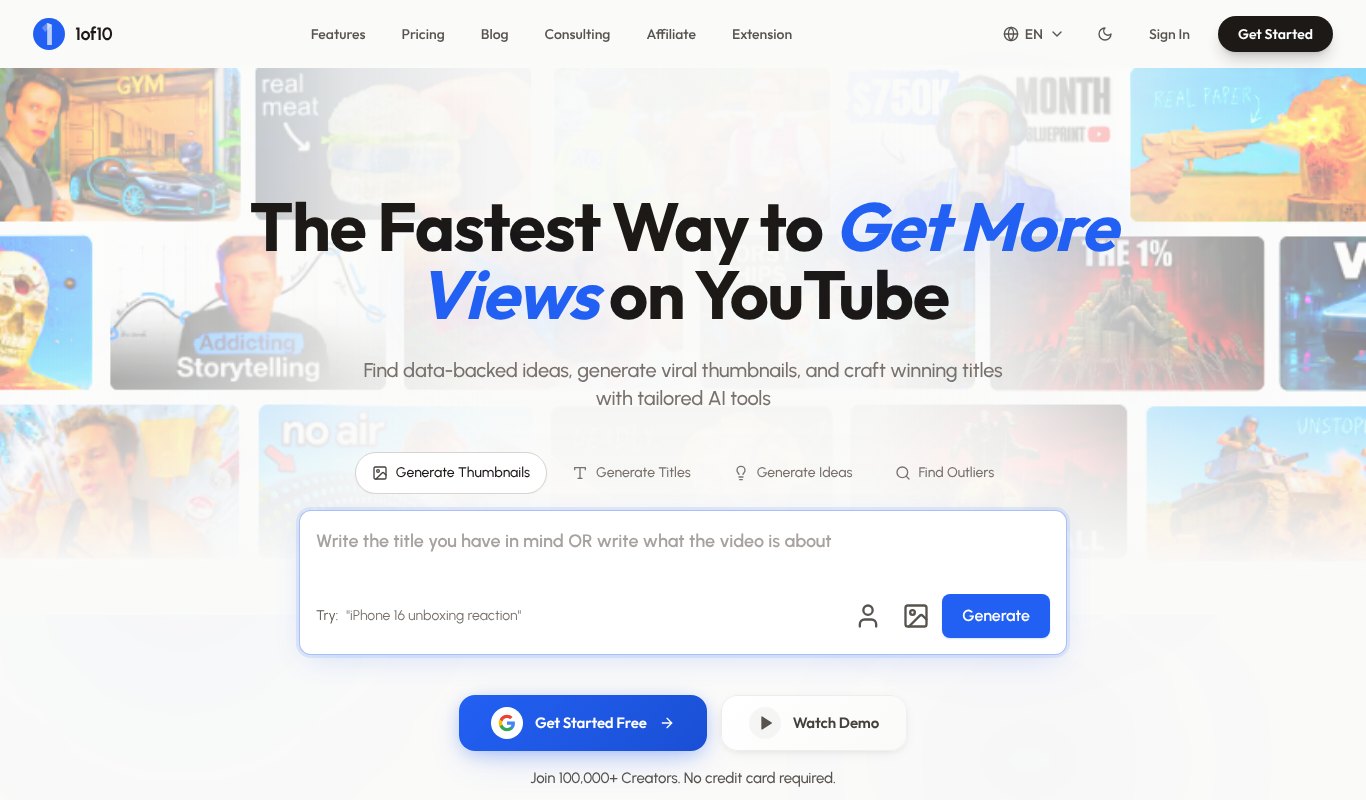
1of10 finds outlier videos. Those are videos that got far more views than their channel usually gets.
That's a smart way to find topics people already want. If a small channel's video blew up, the idea is proven, and you can make your own better version.
Pros
- Great for proven video ideas
- Title and thumbnail inspiration
- Free plan to try
Cons
- More idea research than classic SEO
- AI tools are on the pricier plan
Pricing Free plan. Paid from $15 a month paid yearly ($180 a year). Pro is $69 a month paid yearly.
5. OutlierKit
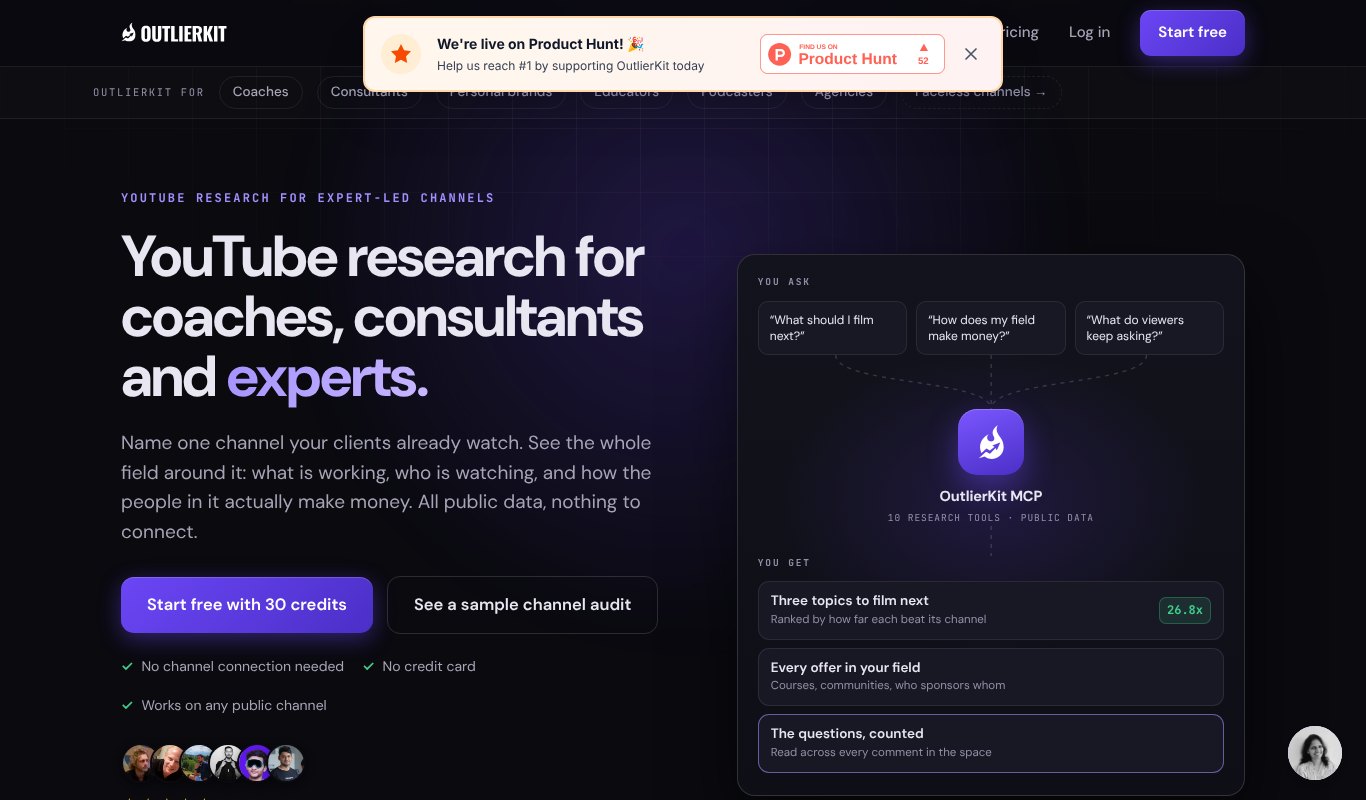
OutlierKit is a newer AI research tool built around outliers, keywords and competitor channels.
It's good for planning a whole content calendar. You can study what's working in your niche and turn it into a list of videos to make.
Pros
- Outlier and keyword research together
- AI help to plan videos
- Competitor channel tracking
Cons
- Credit based, extra credits cost more
- Younger tool with fewer tutorials
Pricing From $24.92 a month paid yearly ($299 a year).
6. Keyword Tool
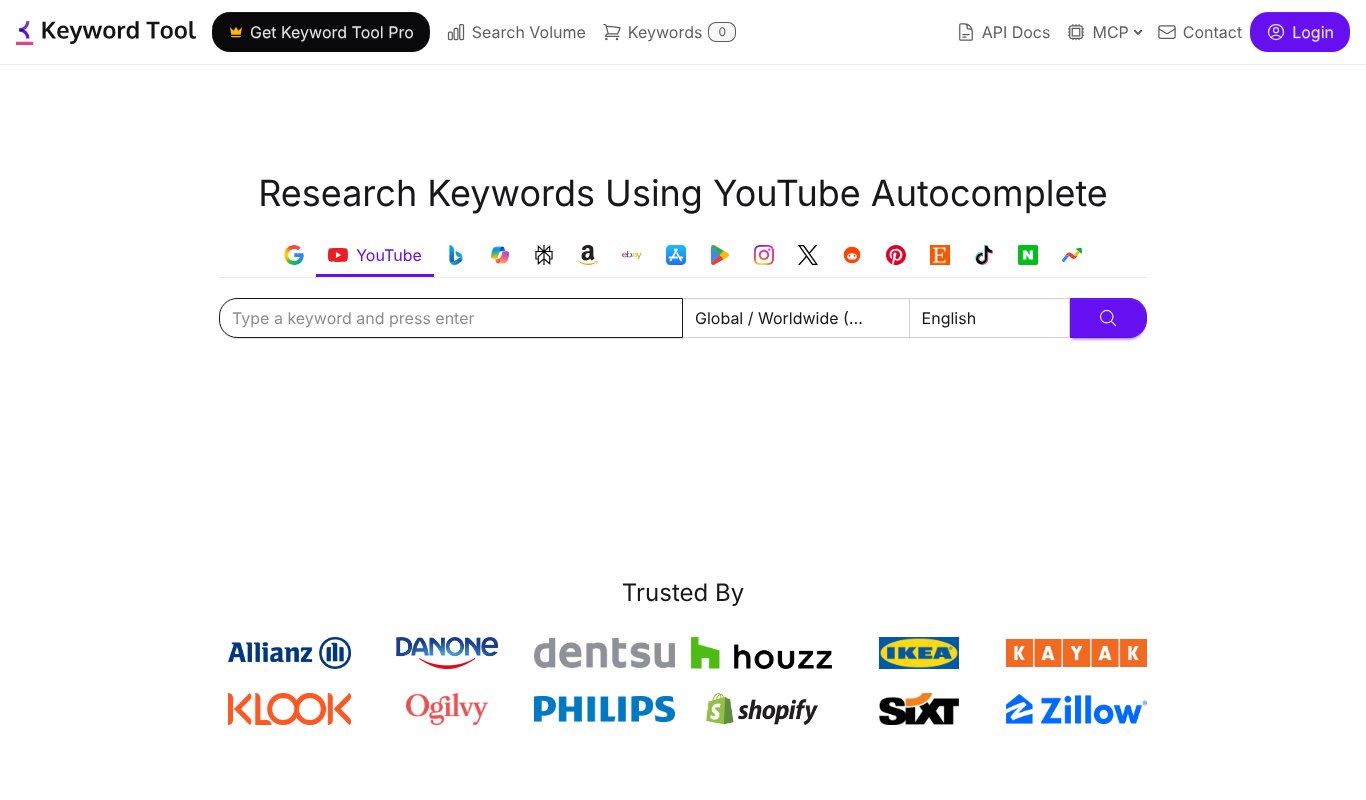
Keyword Tool pulls hundreds of keyword ideas from YouTube's autocomplete in seconds. Type one word and you get every phrase people start typing around it.
The free version shows the keyword list. Search volumes need the paid plan.
Pros
- Huge keyword lists fast
- Works for many platforms, not only YouTube
- Free searches without signing up
Cons
- Search volume is paid only
- Expensive for one creator
Pricing Free basic search. Paid plans from $68 a month, paid yearly.
7. Ahrefs YouTube Keyword Tool
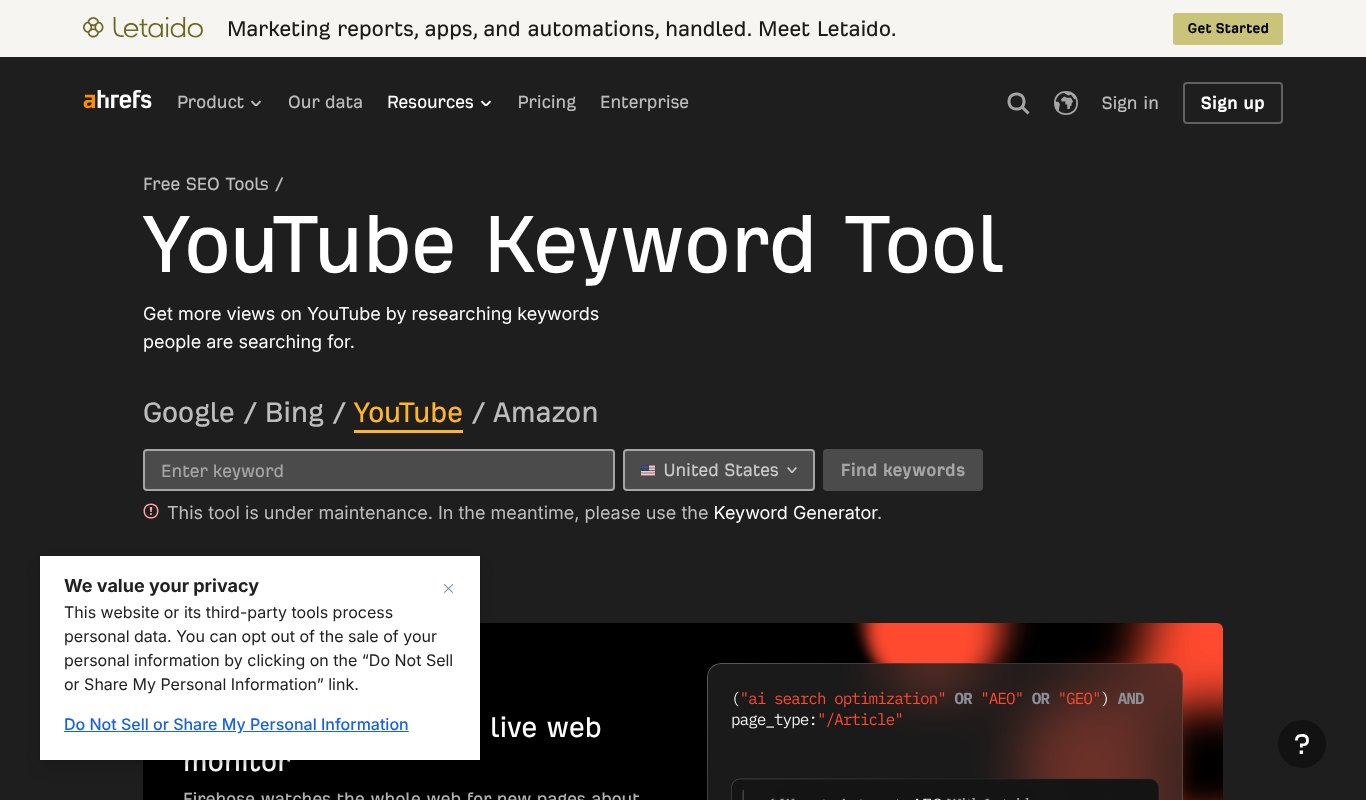
Ahrefs is a big name in SEO, and its free YouTube keyword tool is a handy quick check.
Type a keyword and you get related ideas with rough search volumes. It's perfect when you just want to know if anyone is searching for a topic.
Pros
- Completely free
- Search volume estimates
- Simple and fast
Cons
- Limited results per search
- No competitor or optimization tools
Pricing Free.
8. AnswerThePublic
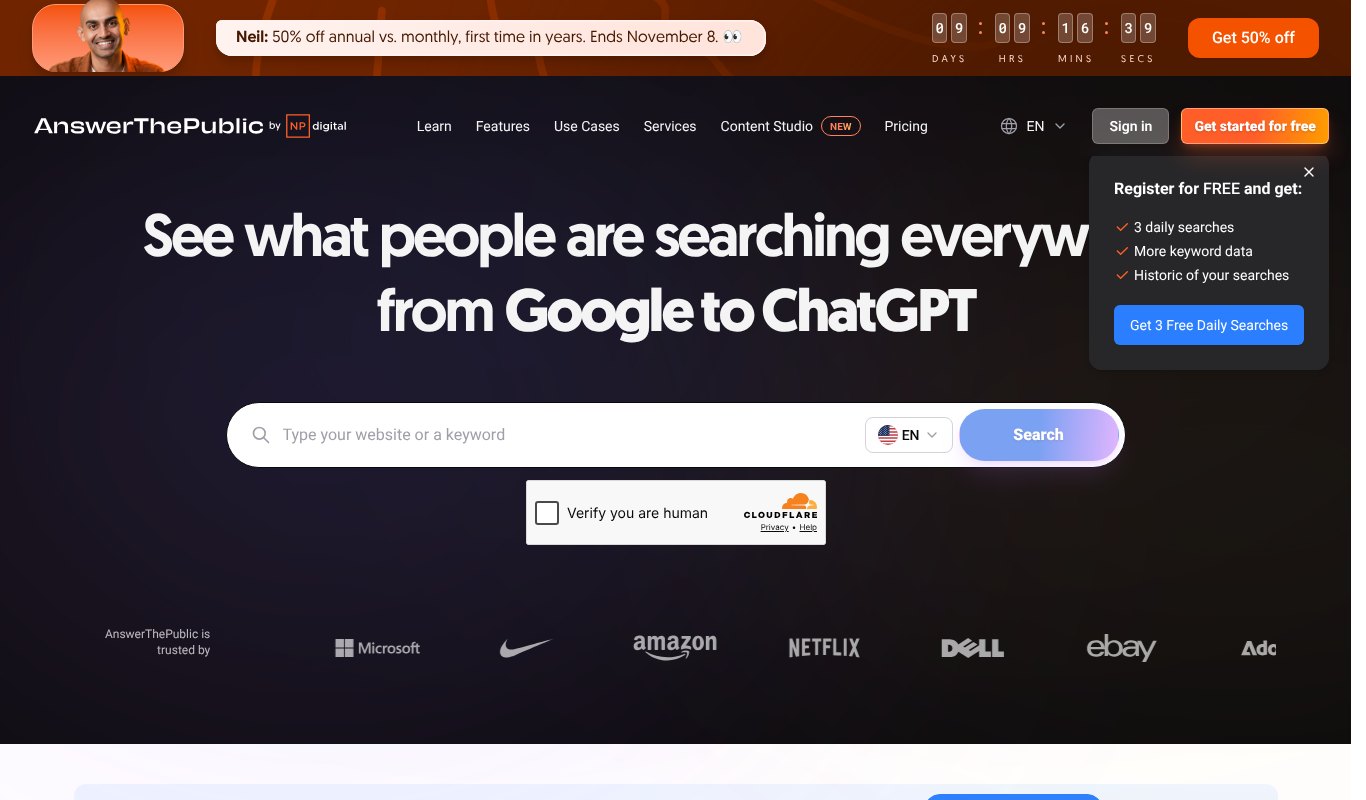
AnswerThePublic shows the questions people ask about any topic. It groups them by who, what, why, how and more.
Questions make brilliant YouTube videos. "How do I..." searches are exactly what viewers type when they want a tutorial.
Pros
- Great for tutorial and how-to ideas
- Includes a YouTube data source
- Free daily searches
Cons
- Free searches are limited each day
- No ranking or difficulty scores
Pricing Free daily searches. Paid from $10 a month, paid yearly.
9. YouTube Studio Inspiration Tab
Don't skip the free tool you already have. The Inspiration tab in YouTube Studio (it used to be called Research) shows what your viewers and others in your niche are searching for.
It even flags content gaps, which are searches where viewers can't find many good videos yet. Those are gold.
Pros
- Free and built into YouTube
- Based on your own audience
- Shows content gaps
Cons
- No keyword difficulty scores
- Only covers your own channel and niche
Pricing Free.
10. Google Trends
Google Trends shows how interest in a topic rises and falls over time. Switch the filter to YouTube Search and it shows trends on YouTube itself.
Use it to catch rising topics early and to time seasonal videos before the rush.
Pros
- Free
- Spot rising topics early
- Compare two topics side by side
Cons
- Shows interest, not exact search numbers
- No help with titles or tags
Pricing Free.
How to Use These Tools Together
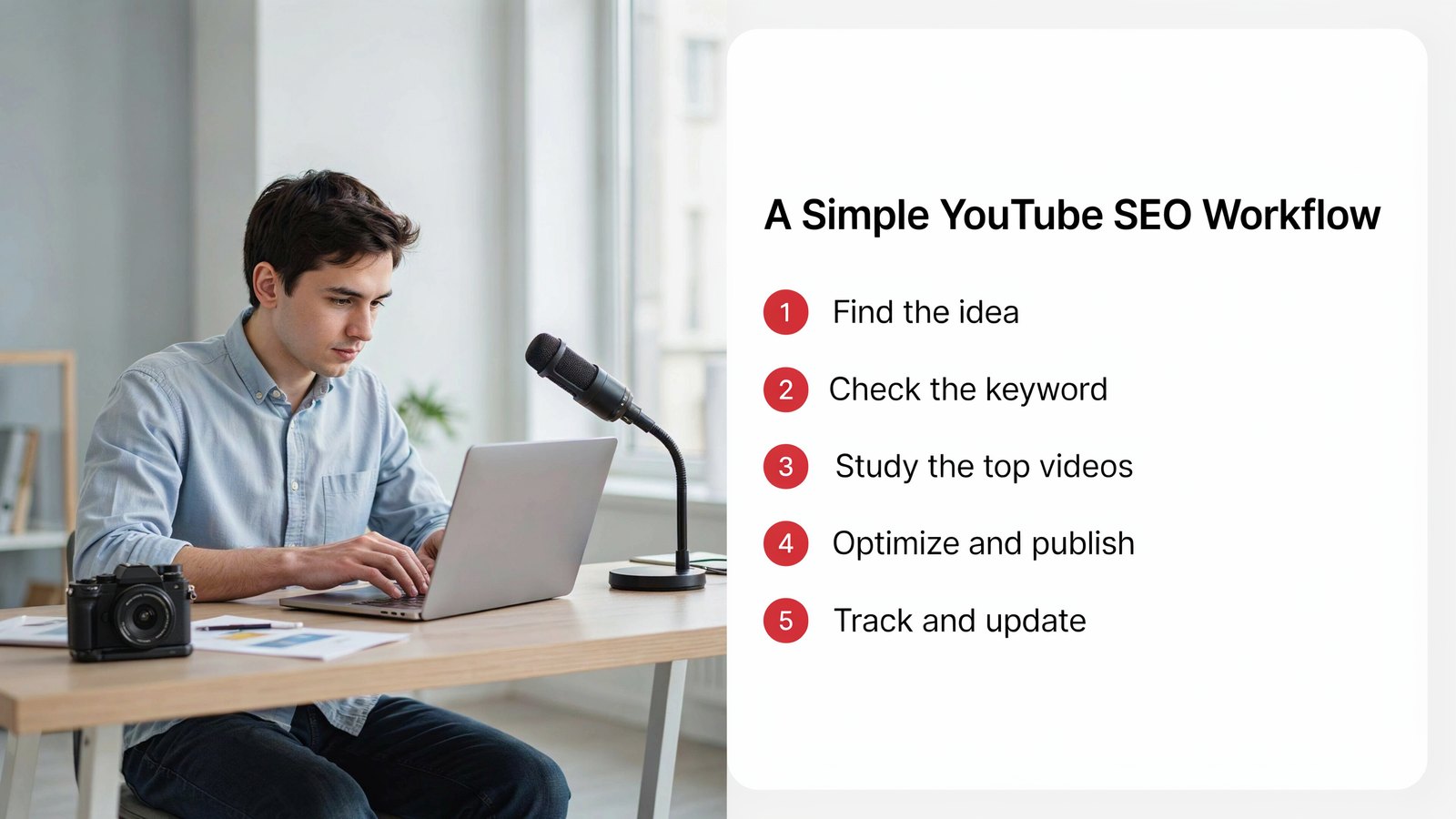
You don't need all ten. Most creators do great with one main tool and a couple of free ones.
Find the idea. Use 1of10, AnswerThePublic or the Inspiration tab to see what people want.
Check the keyword. Run it through Tuberank Jeet to see the traffic and how hard it is to rank.
Study the top videos. Look at their titles, length and angle. Then plan how yours will be better.
Optimize and publish. Write a clear title, a helpful description and say your keyword out loud in the video. YouTube reads captions too.
Track and update. If a video stalls, tweak the title or thumbnail. Small changes can wake up an old video.
Common YouTube SEO Mistakes
- Chasing huge keywords that big channels already own.
- Stuffing tags. Tags matter much less than your title and description.
- Clickbait titles that don't match the video. Viewers leave, and rankings drop.
- Ignoring the first 30 seconds. If people click away, no SEO tool can save the video.
- Never updating old videos. A fresh title can bring a dead video back to life.
Frequently Asked Questions
What is the best YouTube SEO tool?
For most creators, Tuberank Jeet is the best value. It covers keyword research, competitor analysis and AI optimization for $5.58 a month, paid yearly.
Are free YouTube SEO tools good enough?
Free tools like YouTube Studio's Inspiration tab, Google Trends and the Ahrefs keyword tool are great for ideas. For difficulty scores and competitor breakdowns, a paid tool saves a lot of time.
Do tags still matter on YouTube?
A little. YouTube says tags mainly help with misspellings. Your title, description, captions and how people engage matter much more.
How long does YouTube SEO take to work?
Some videos pick up search views in days. Others build slowly over a few months. Search traffic usually grows the longer a video stays up.
Can SEO tools guarantee my video will rank?
No tool can. They help you pick the right topics and get your relevance right. The video still has to keep people watching.
Final Thoughts
Great videos deserve to be found.
Pick one solid SEO tool, use a couple of free ones for ideas, and make every upload easy for YouTube to understand.
If you want keyword research, competitor analysis and AI optimization at the lowest price, try Tuberank Jeet for just $5.58 a month, paid yearly.